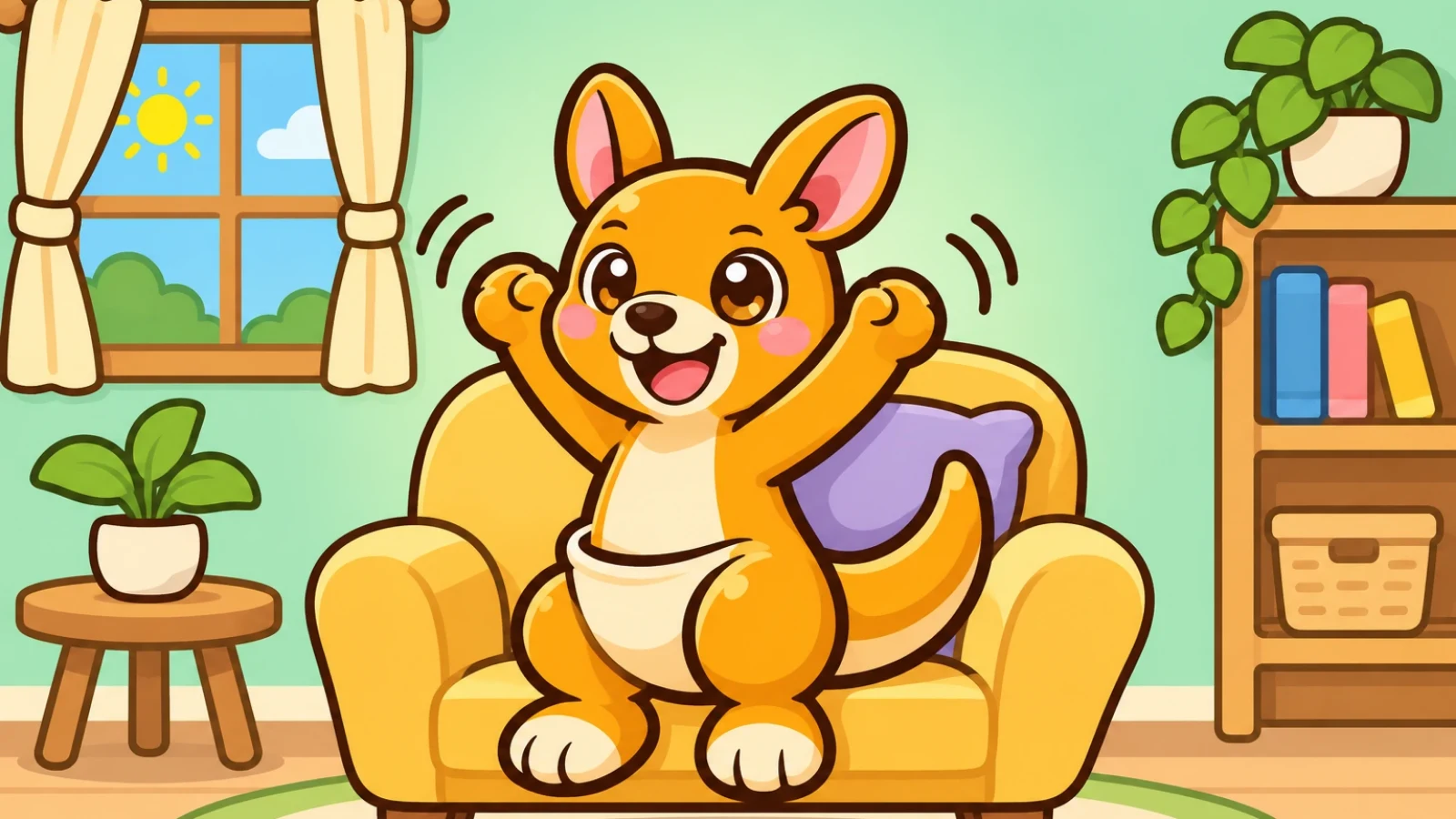
The short answer: about half of Hoppo's games play just as well from a chair: Simon Says with arm moves, popping bubbles, steering a rocket, painting in the air and funny face filters. They run free in a web browser on a laptop with a webcam, connected to the activity room TV. We played every game seated before writing this list, and we say where a game misses moves a chair can't do. One thing to know up front: Hoppo was made for children, so the host is a cartoon kangaroo with a cheerful voice. Some groups love that, especially with grandchildren visiting; others may find it childish. Try a round yourself before the group session.
Games that work sitting down
These are the games that played well in our seated playtests, best first. "Like standing" means a seated round scored the same as a standing one; "Mostly" means it still finishes seated, with the gap noted next to it (usually a move that needs legs).
| Game | Seated | What to know |
|---|---|---|
| Hoppo Says | Like standing | Simon Says with arm and body moves: do it only when Hoppo says "Hoppo says". Only the jump call is missed seated. The calls are spoken and written on screen. |
| Bubble Pop | Like standing | Wave hands and arms to pop bubbles. Won with 3 stars in every seated round we played; bubbles at the far edges are the hardest to reach. 1 or 2 players. |
| Space Blaster | Like standing | Steer a rocket left and right with one arm; it fires by itself and nobody is out. The easiest camera game to play from a chair. |
| Silly Faces | Like standing | Face only: animal, crown and superhero filters that copy your expressions. Sit close, a foot or two from the camera, so it suits a laptop or tablet more than a TV across the room. |
| Magic Paint | Like standing | Paint with a finger on a tablet, or in the air with one fingertip close to a laptop, then save the picture. No reading or sound needed. |
| Dance! | Mostly | The first warm-up and the Warm Up and Groovy steps are arms only. The faster mixes add crouches, jumps and knee lifts a chair can't do. |
| Hoppo Piano | Mostly | Tap the keys on a tablet, or play with your hands close to the camera: both are fully seated. Sitting back, the end keys of the air piano are out of reach, and the floor piano is for standing. |
| Funhouse Mirror | Mostly | A warped mirror (bobblehead, wobbly jelly, waves) that bends as you lean and wiggle. Nobody loses; the two jump asks need standing. |
| Hoppo Golf | Mostly | Sit sideways to the screen and swing your arms; swings with the legs out of view still counted. The touch version is fully seated. Players take turns. |
Skip for now: Floor is Lava needs feet and room to step between islands, so it doesn't work from a chair. Training Academy finishes seated but misses its jump, stomp and duck steps. In Alphabet Arc and Find It!, letters near the bottom of the camera picture are hard to reach from a chair; play those by touch on a tablet instead. We'd rather say that plainly than suggest every game works from a chair.
Sound, captions and bigger targets
- Captions (Settings → Accessibility) show what Hoppo says as text on screen, for players who are hard of hearing or a room with the sound low.
- Games that need sound: Number Hunt, Find It! and Popcorn Words speak the number, letter or word to find, so skip them with the sound off. Hoppo Says, Dance and Hoppo Piano are better with sound but show their moves on screen. Space Blaster, Magic Paint and Silly Faces need no sound at all.
- Bigger targets (Settings → Accessibility) makes the good targets easier to hit and the bad ones easier to miss in games like Bubble Pop. The pictures stay the same size.
- Calm Mode adds less motion, softer sound, a steady pace and a "never lose" option.
- Only show games you can play sitting down (Settings → Accessibility) hides the rest on the home screen.
Running a group session
- One or two at the front, everyone else joins in. The camera follows one or two players. In Hoppo Says the whole room can do the moves from their chairs and listen for the trick calls.
- Short turns. Most rounds are one to two minutes, so everyone who wants a turn gets one in a half-hour session.
- Make it a show. Funhouse Mirror and Silly Faces get the biggest laughs from the people watching, not just the player.
- Save the art. Magic Paint pictures can be saved and printed for the bulletin board.
- A no-camera option. The calm style of the free Brain Break calls out slow moves on the screen: reach up tall, shoulder rolls, side stretch, slow breathing. It was written for classrooms and starts with "stand up", so tell the group to stay seated and skip "touch your toes" (reach to the knees instead).
With the grandkids
Hoppo is at its best when grandparents and grandchildren play together: two players side by side in Bubble Pop or Hoppo Says, a grandparent in the chair and a grandchild standing next to them, each with their own score. Silly Faces puts filters on two faces at once, and Hoppo Golf takes turns. A grandchild can play Floor is Lava while a grandparent watches the islands and calls out "Jump!". More ideas in games for grandparents and grandkids.
Setting it up
- Connect a laptop with a webcam to the TV with an HDMI cable, or use a tablet for one player up close.
- Put the laptop on a table at about the seated player's chest height, screen facing them.
- Seat the player one or two steps back, in a sturdy chair with arms, so hands and shoulders are in the picture.
- Put the light in front of the player, not a bright window behind them.
- For Silly Faces, Magic Paint and Hoppo Piano's hand keys, sit closer, about a foot or two from the camera.
More in setup tips.
Privacy for care settings
There are no accounts and no sign-up. Tracking runs inside the browser on the laptop: no video, pictures or body points are sent anywhere or stored. Details are on the webcam privacy page.
When Hoppo fits, and when it doesn't
It fits as a free, light, social activity: a few rounds of seated games in the activity room, or a visit with the grandchildren.
It doesn't fit as a therapy or rehab program. It isn't designed or tested for recovery after a stroke or injury, so ask the person's therapist before adding any new movement activity. It also isn't made for adults, so the cartoon style won't suit every group.
For more seated ideas, see seated and wheelchair-friendly movement games; many of the group games there work for any age.